Color Revive
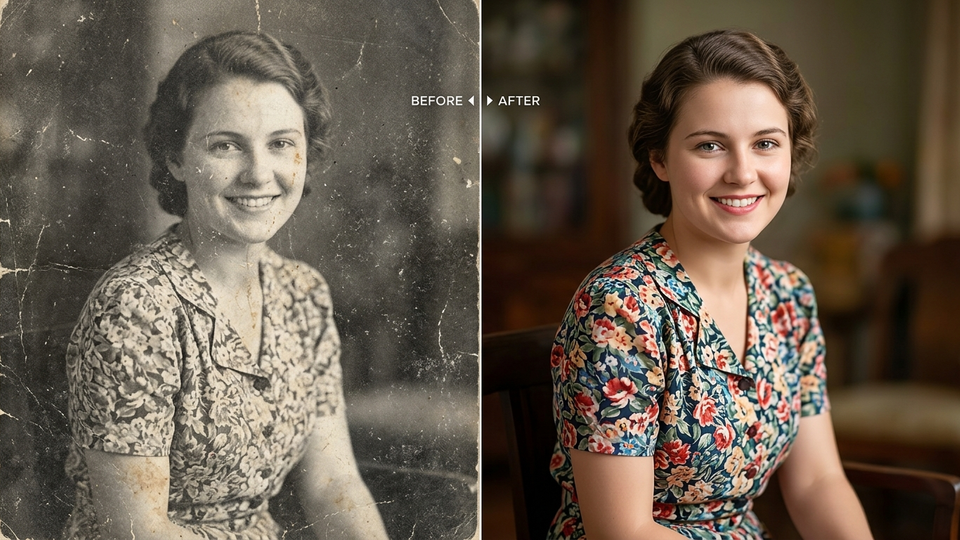
Bring faded & black-and-white family photos back to life in full color.
Try Color Revive freePhoto · video · occasions
Colorize family archives, repair torn prints, make LinkedIn headshots, redesign a room, or turn a still into a clip. One suite in the browser — Gemini-powered, free to try.
3 free credits · Email or Google · No app install · No price list on this page
Product
Each tool is a dedicated page with its own styles, SEO, and workspace. Past Forward stays a separate product.
Bring faded & black-and-white family photos back to life in full color.
Try Color Revive free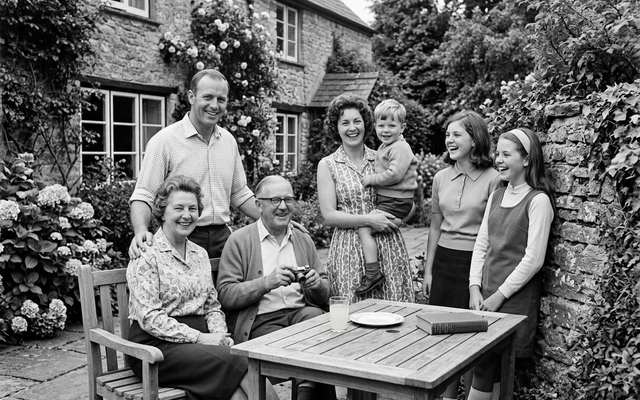
Fix scratches, creases, and damage on old prints — then optionally colorize.
Restore free
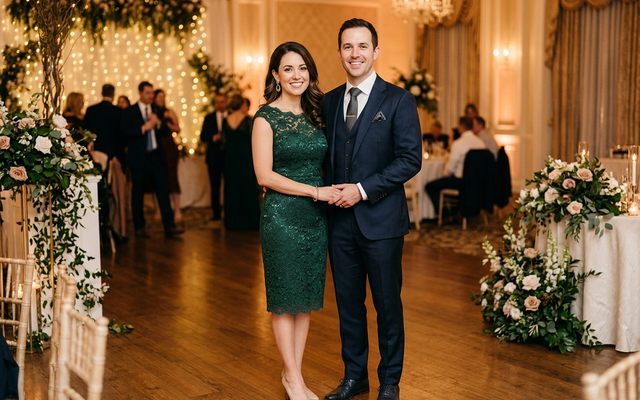
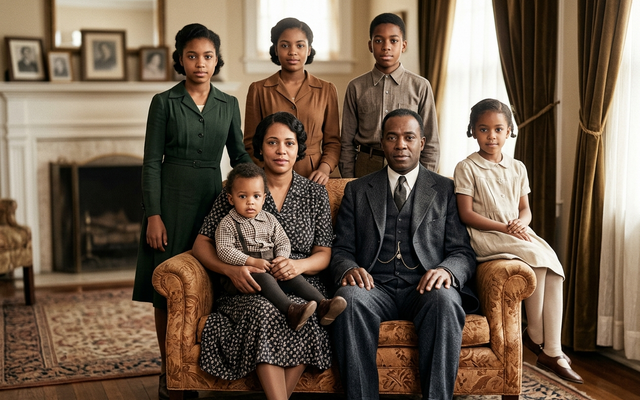
Wedding, festive, birthday, farewell — portrait looks for rare big moments.
Try for free
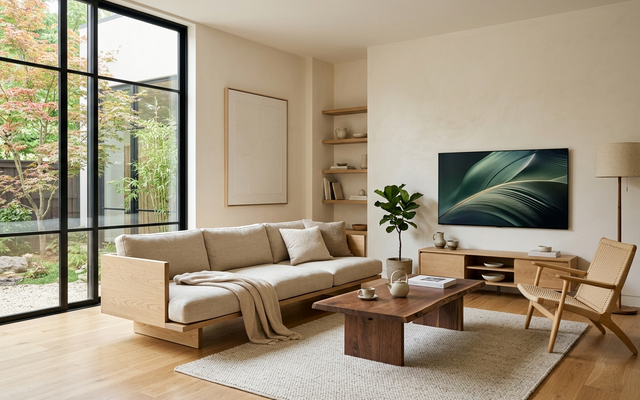
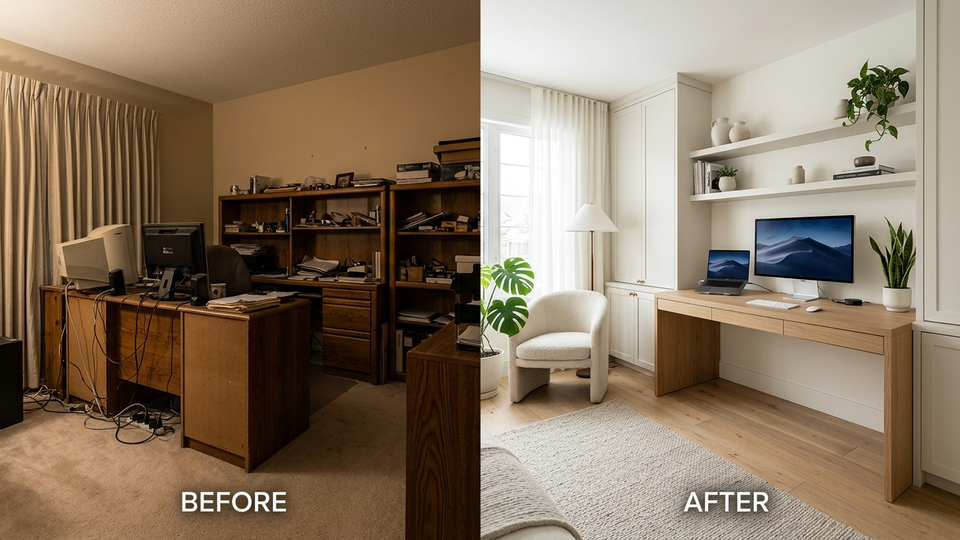
Redesign your room in pro interior styles — renter-friendly or full glow-up.
Restyle free
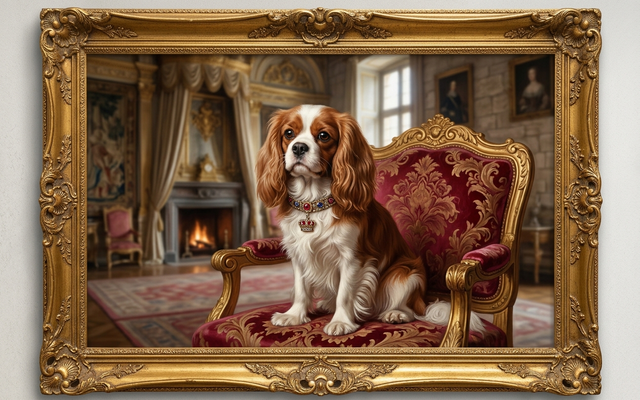
Royal, astronaut, renaissance — pet portraits people gift and post.
Portrait my pet free
Two photos → eras, wedding looks, travel life together.
Why Media AI
The previous Media AI pages were MVPs. This suite is a real studio: dedicated URLs, Gemini on the server, credits, and crawlable pages.
Image transforms and motion run on Lambda via Gemini — the API key never ships to the browser. Failures refund the credit.
Every photo tool lands in a compare slider so you can check identity, color, and layout before you download.
Email OTP or Google. Three free credits (30 coins). Sign in once, move between restore, career, home, and motion.
How it works
Choose restore, portrait, home, product, pet, or motion. Each page is its own studio with styles and examples.
Drop a JPEG, PNG, or WebP. We compress large phone shots. Add an optional note if you want a specific direction.
Creates usually finish in 15–60 seconds. Compare, save, or run another style on the same photo.
Use cases
Scan a faded print, run Memory Restore, then Color Revive when you want color.
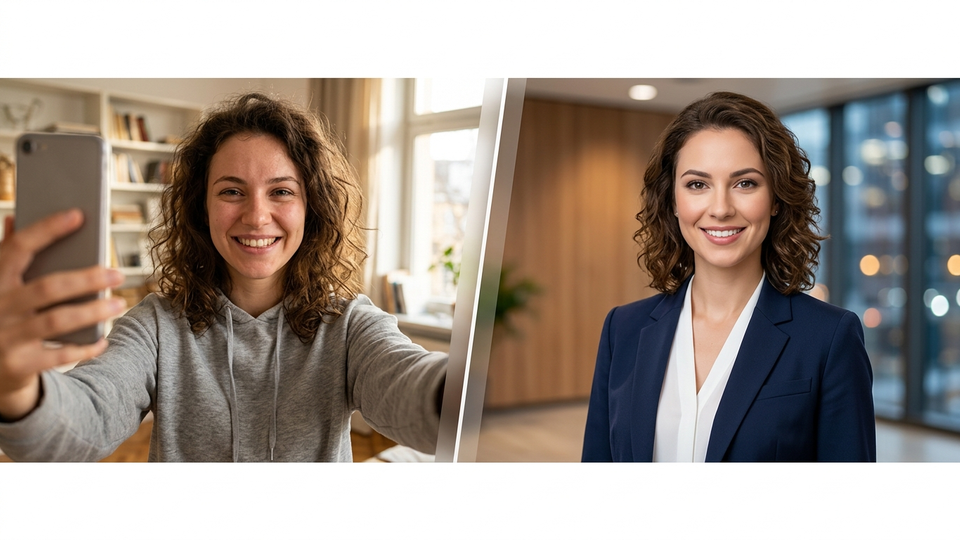
Headshot Factory turns a bedroom selfie into a LinkedIn-safe frame without a studio booking.
Product Studio cleans a phone snap onto white or a lifestyle set for Amazon/Shopify.
Motion Still adds a cinematic push or parallax so a still can live on Reels.
FAQ
A free-to-try suite of AI photo and short-video tools from Tech Bytes. Upload a picture, pick a look, get a restored, restyled, or animated result.
Yes to start. New accounts get 3 free credits (30 coins). Most photo tools use 1 credit; short video uses 2. There is no price list on these pages.
No. It runs in the browser at techbytes.app/tools/media-ai/. Sign in with email or Google.
Clear subjects and decent lighting. Faces should be visible for portraits. Wide room shots for Room Restyle. Scans of prints for restore tools.
Past Forward is the standalone decade time-travel editor at /tools/past-forward/. Media AI is the broader studio and does not replace that product.
Color Revive is the fastest way to see the studio. Three credits, no install.